


In this lesson, we are going to explore the fundamentals of React, including its purpose, history, and role in modern front-end web development. We will discuss how React uses the Virtual DOM to efficiently update user interfaces and why it has become one of the most widely used JavaScript libraries for building interactive web applications. The lesson will also cover the prerequisites for learning React, the tools required to set up a React development environment, and the steps involved in creating a React application using Vite. By the end of this lesson, students will have a solid understanding of React’s core concepts and be prepared to begin developing their own React applications.
What is React?
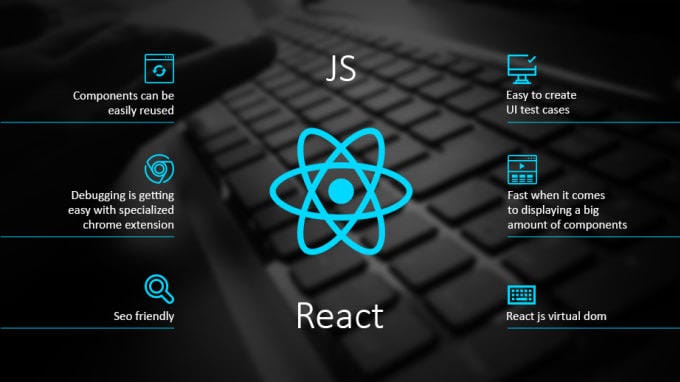
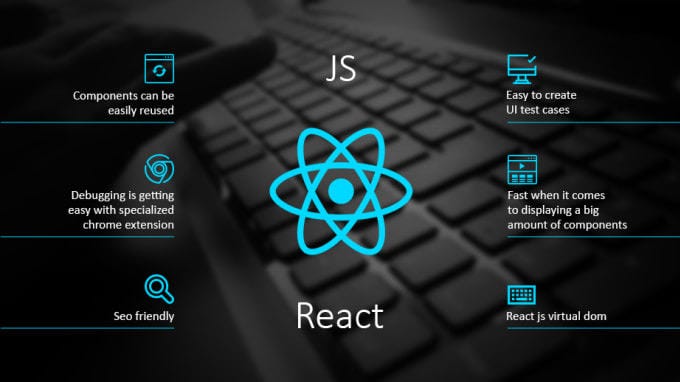
React is a front-end JavaScript library.
React was developed by the Facebook Software Engineer Jordan Walke.
React is also known as React.js or ReactJS.
React is a tool for building UI components.
How does React Work?
React creates a VIRTUAL DOM in memory.
Instead of manipulating the browser’s DOM directly, React creates a virtual DOM in memory, where it does all the necessary manipulating, before making the changes in the browser DOM.
React only changes what needs to be changed!
React finds out what changes have been made, and changes only what needs to be changed.
What You Should Already Know
Before you continue you should have a basic understanding of the following:
React.JS History
Latest version of React.JS is 19.2.
Initial release to the Public (version 0.3.0) was in July 2013.
React.JS was first used in 2011 for Facebook’s Newsfeed feature.
Facebook Software Engineer, Jordan Walke, created it.
React Getting Started
To use React in production, you need npm which is included with Node.js.
Also, you need to set up a React Environment, and choose a build tool.
Setting up a React Environment
First, make sure you have Node.js installed. You can check by running this in your terminal:
node -v
If Node.js is installed, you will get a result with the version number:
v22.15.0
If not, you will need to install Node.js.
Install a Build Tool (Vite)
When you have Node.js installed, you can start creating a React application by choosing a build tool.
We will use the Vite build tool in this tutorial.
Run this command to install Vite:
npm install -g create-vite
If the installation was a success, you will get a result like this:
added 1 package in 649ms
Create a React Application
Run this command to create a React application named my-react-app:
npm create vite@latest my-react-app — –template react
If you get this message, just press y and press Enter to continue:
Need to install the following packages:
create-vite@9.0.7
Ok to proceed? (y)
Next, you might get this message, just press Enter to continue:
> npx
> create-vite my-react-app –template react
|
* Install with npm and start now?
| > Yes / No
–
If the creation was a success, you will get a result like this:
VITE v8.0.15 ready in 262 ms
→ Local: http://localhost:5173/
→ Network: use –host to expose
→ press h + enter to show help
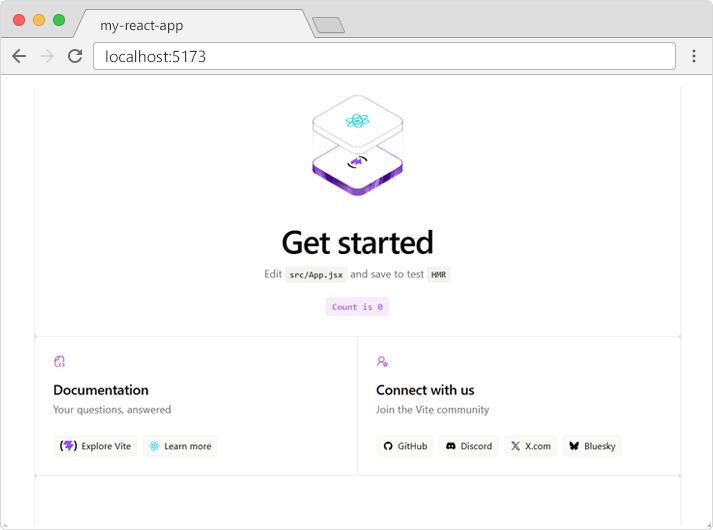
A new browser window will pop up with your newly created React App! If not, open your browser and type localhost:5173 in the address bar.
The result: